
Make wild stuff with AI in seconds
Drop in a photo or a video, pick a tool, download the result. Start with depth maps for 3D photos, VR video, Blender and editing.

Start here
Every tool runs in your browser. Upload, wait a few seconds, download.

What you get
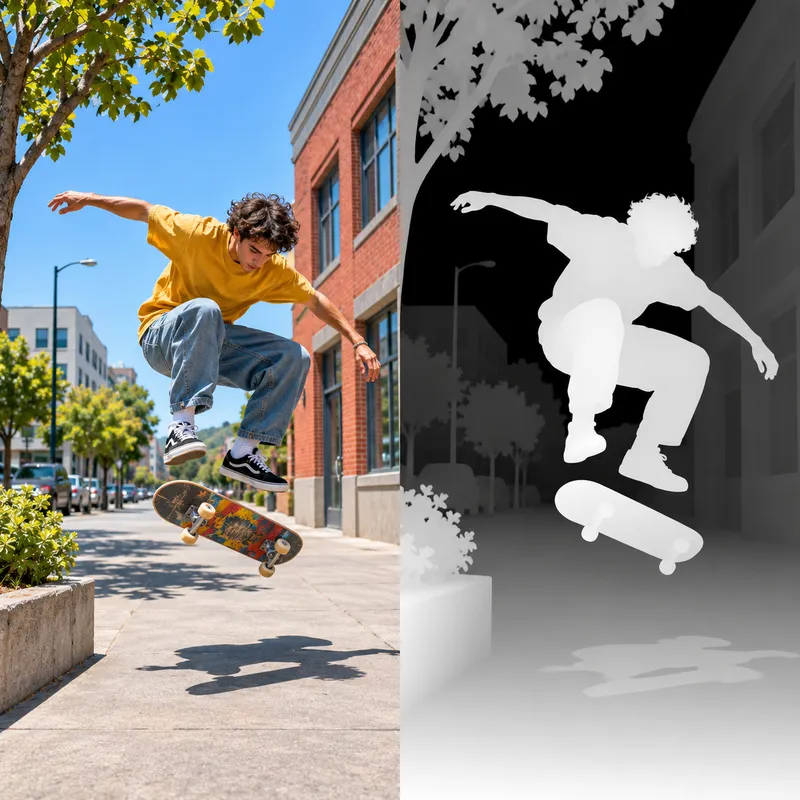
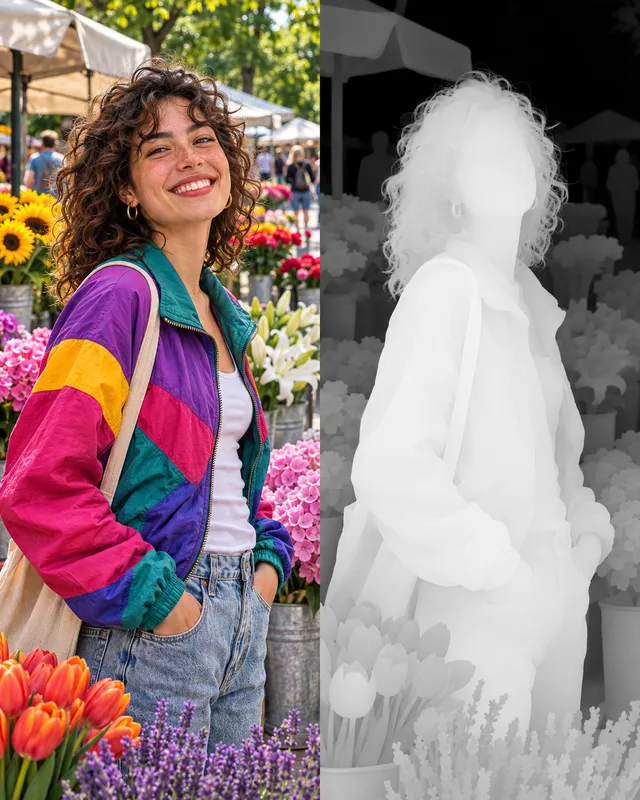
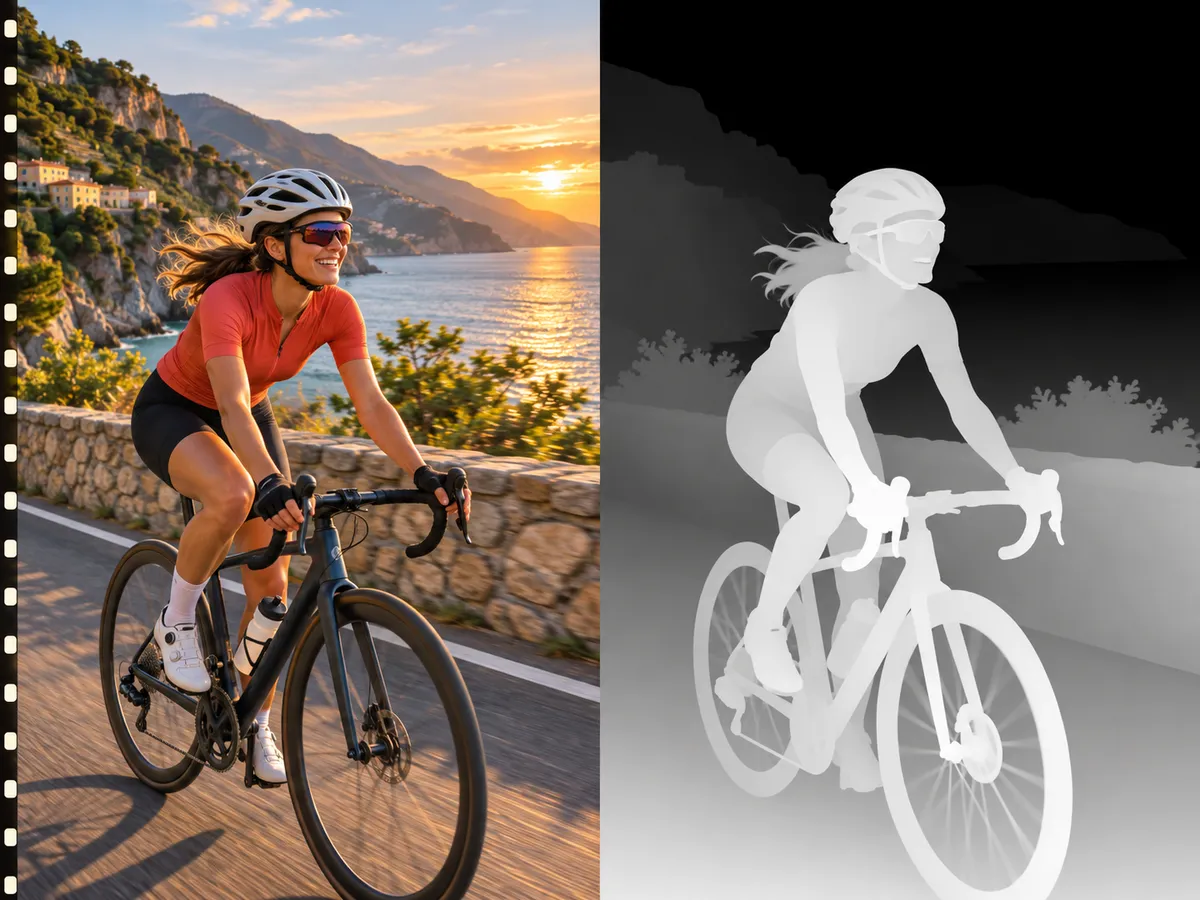
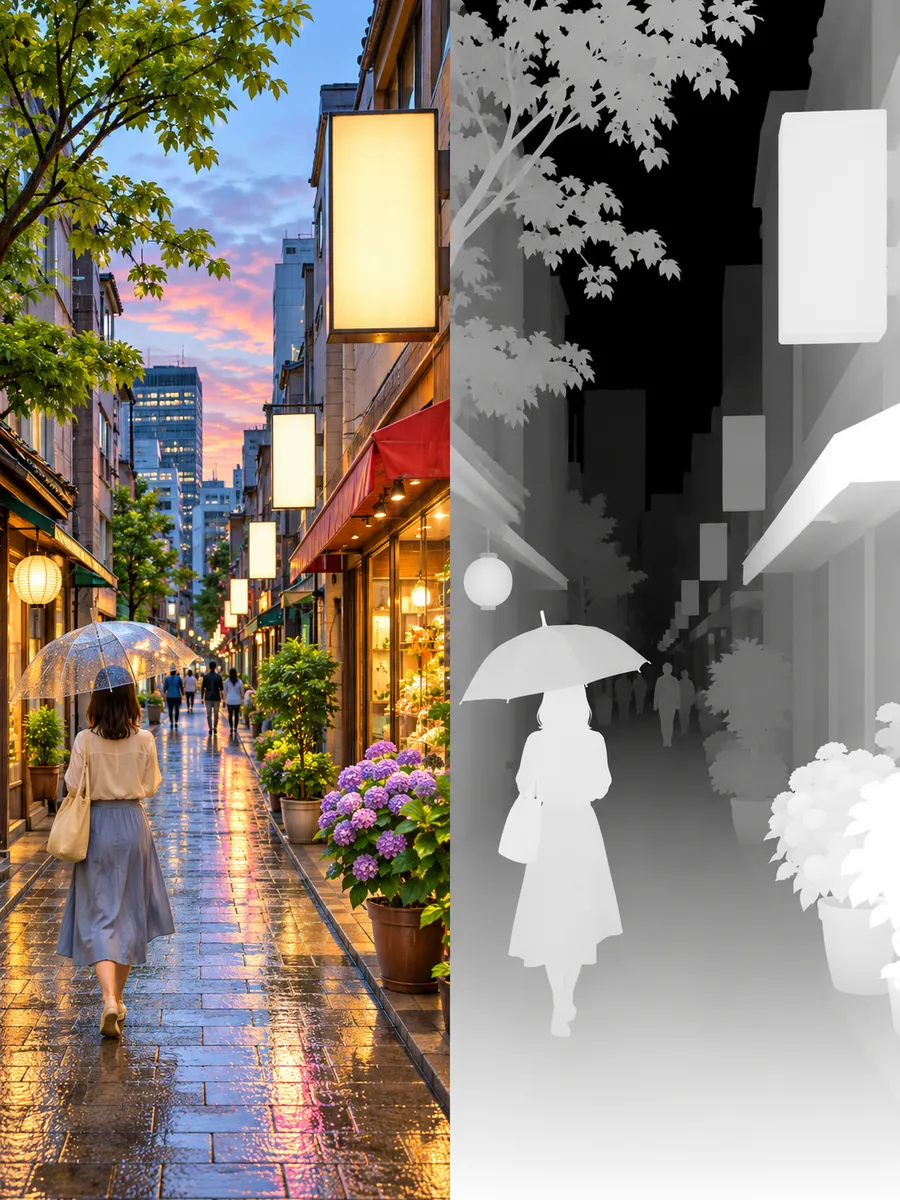
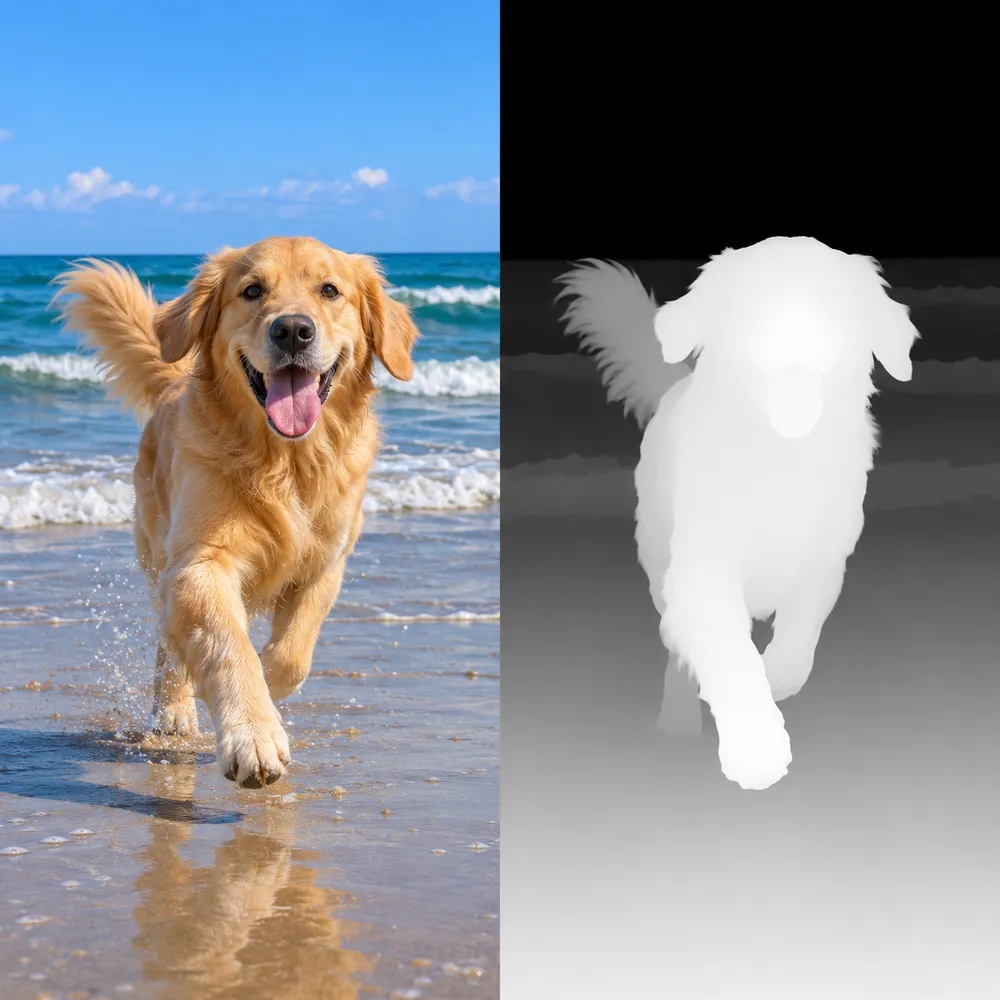
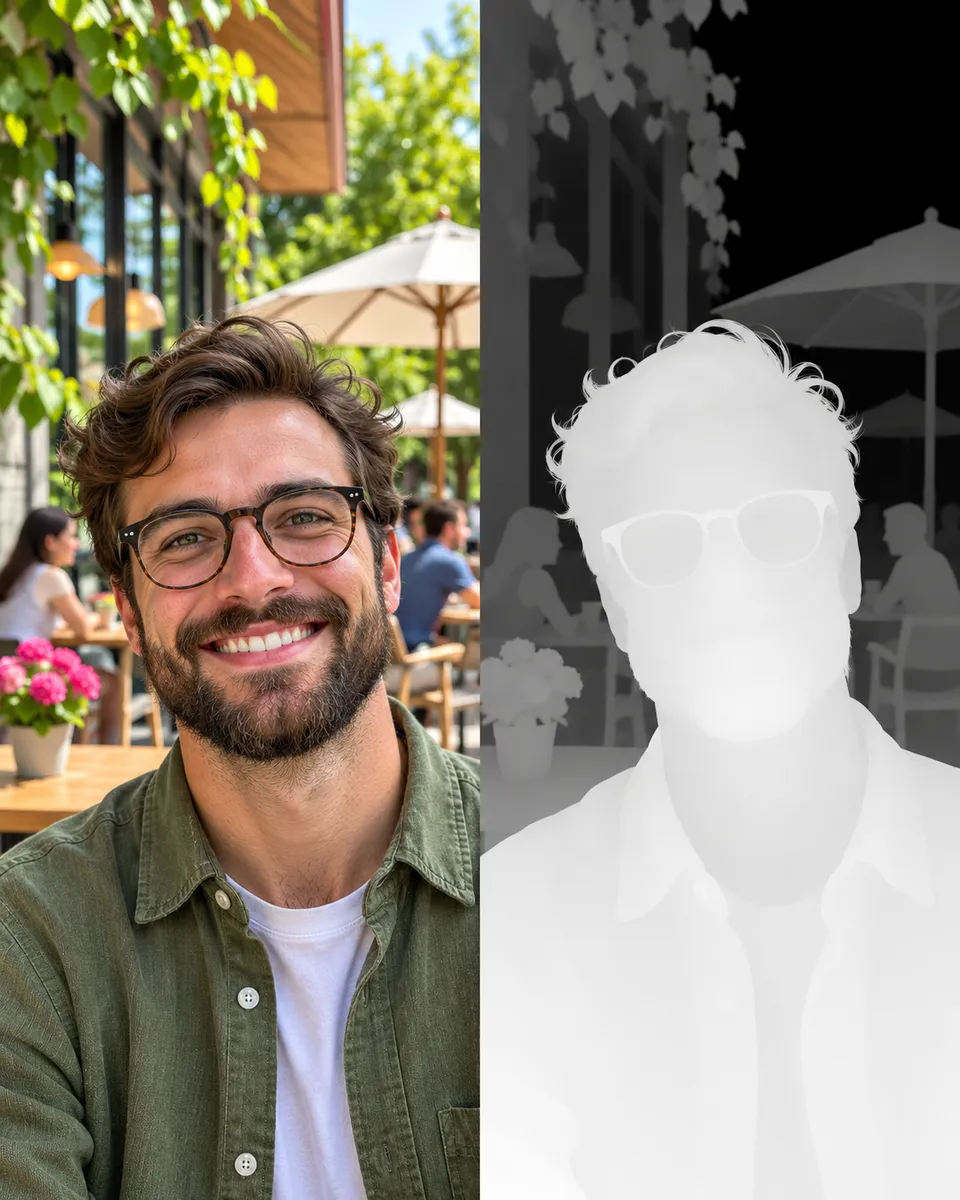
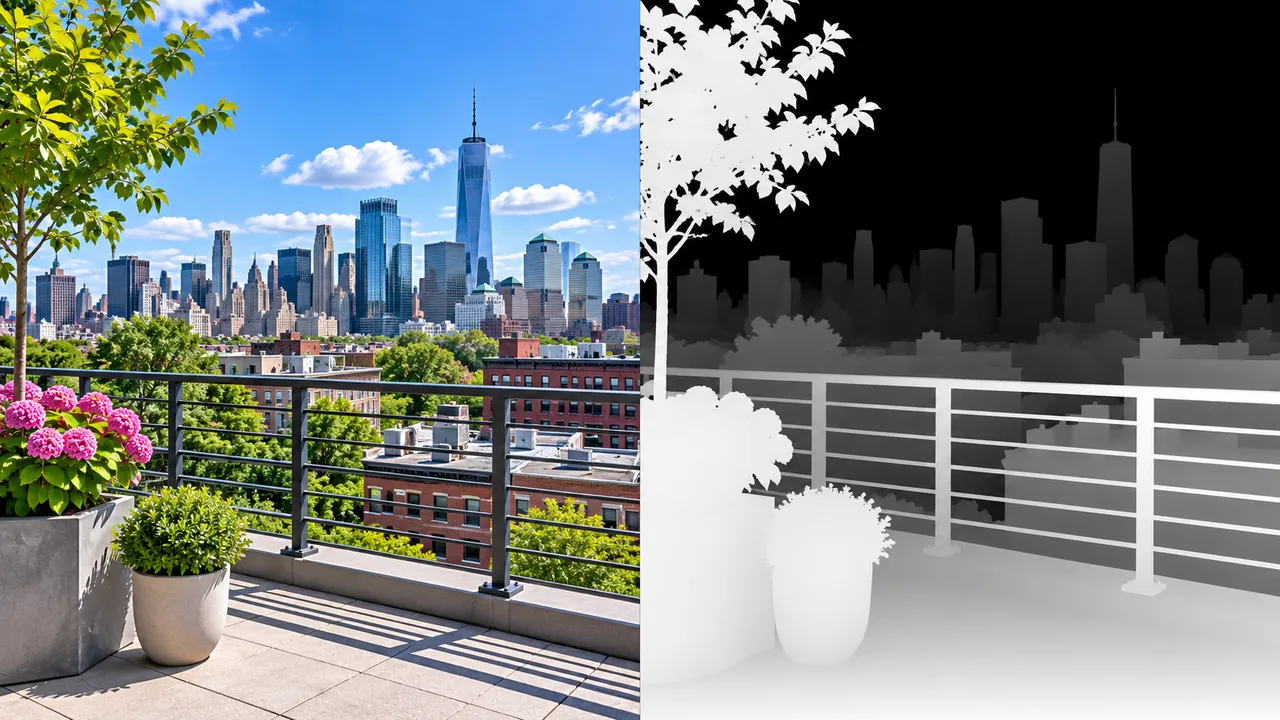
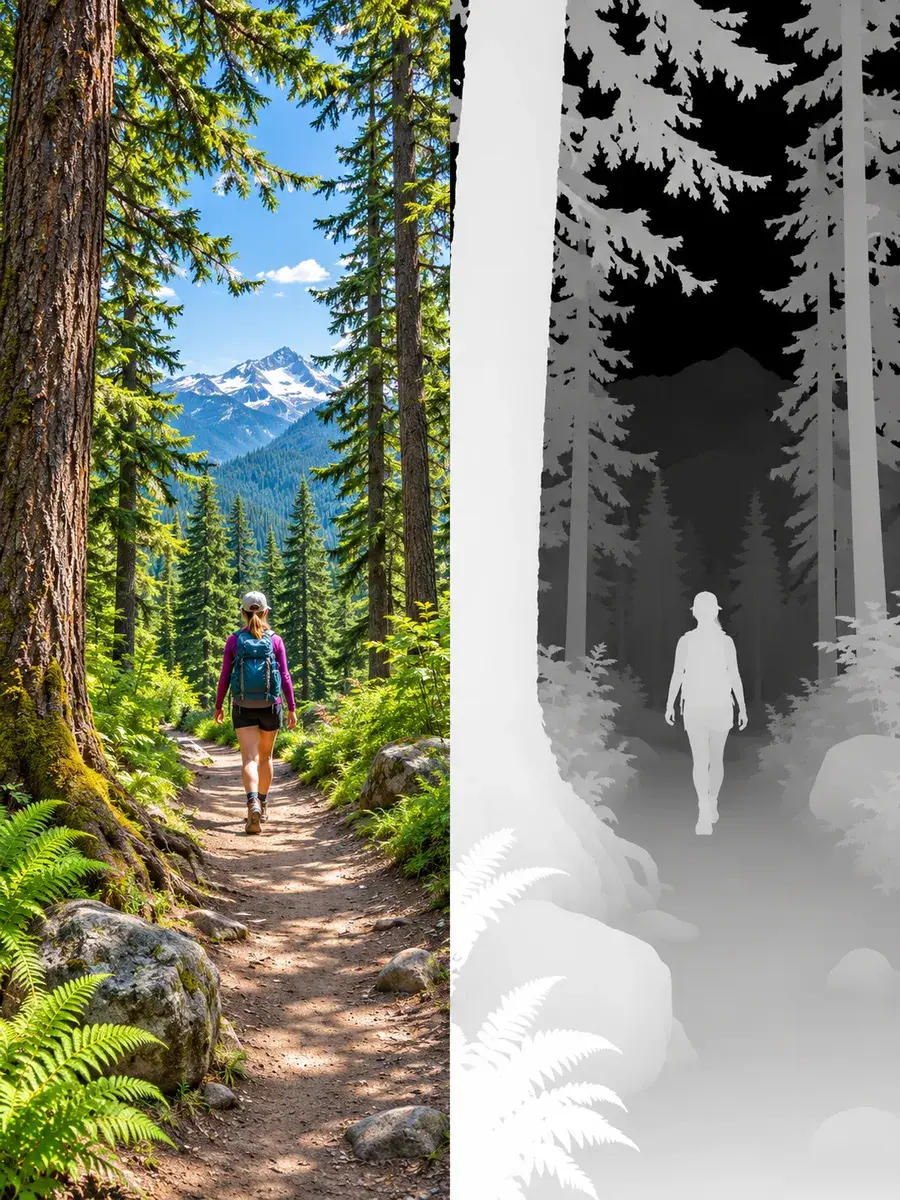
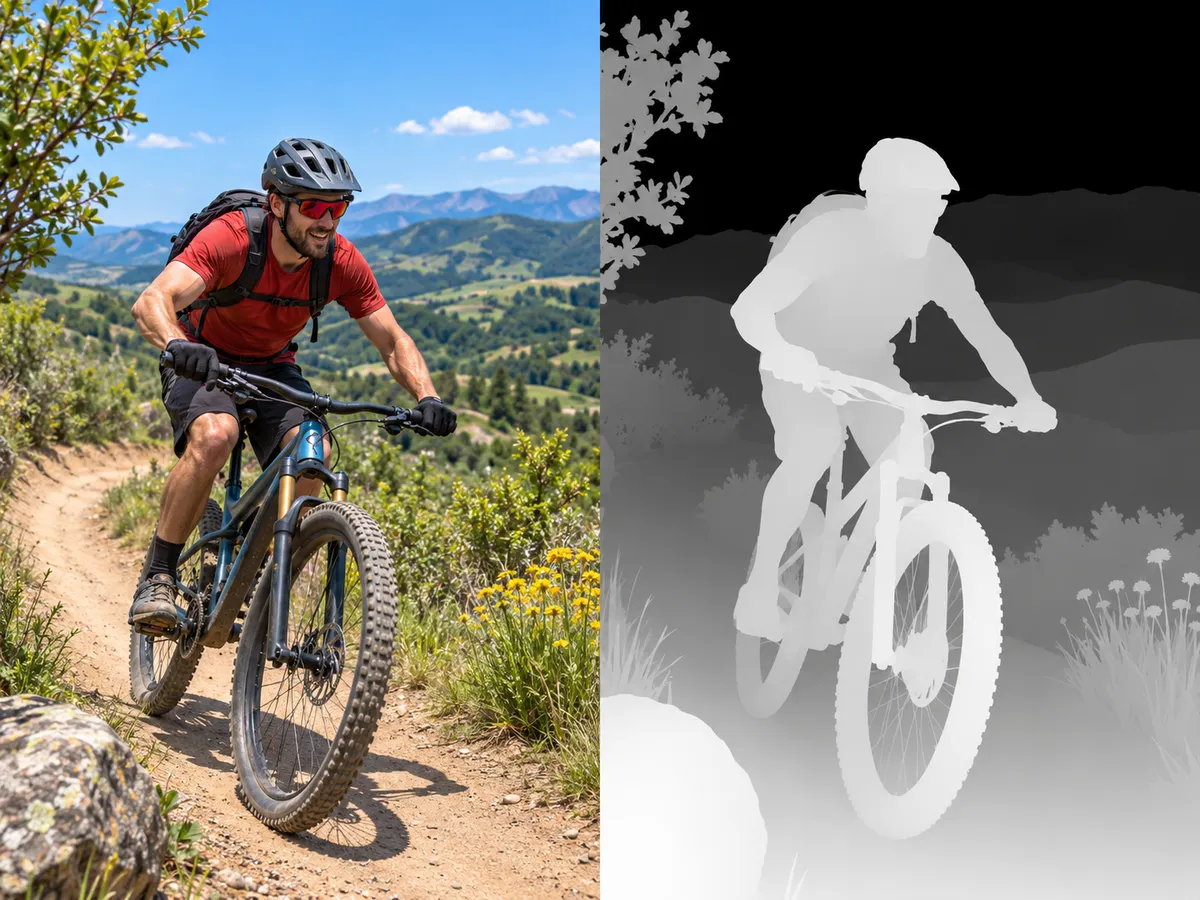
Photos and videos next to the depth maps made from them. Brighter means closer to the camera.


What people do with depth maps
A depth map tells software how far away every pixel is. That one extra layer unlocks a lot.
- Turn 2D video into 3D for VR headsets
- Make 3D photo and parallax animations
- Build 3D reliefs in Blender
- Add depth-of-field blur in your editor
- Guide Stable Diffusion with ControlNet depth
- Prepare photos for laser engraving and lithophanes
Three moves. That's it.
- 1
Pick a tool
Search or browse by what you want to make.
- 2
Drop a file
Upload a photo or a video. No editing skills needed.
- 3
Download it
Save the result and use it anywhere you like.
Pay as you play
Buy credits once and spend them on any tool. No subscription. If a job fails, the credits come back.
See pricingQuestions?
What is a depth map?
A depth map is a grayscale image that shows how far each part of a picture is from the camera: white is close, black is far. Editors, 3D apps, VR players and AI image tools use it to add effects that need to know what is in front and what is behind.
How does pricing work?
You buy a one-time credit pack and spend credits as you use Pobzy. Video depth maps cost 10 credits per second of video, image depth maps cost 6 credits per image. You see the exact cost before you start. There is no subscription.
What files can I upload?
Videos in MP4 or MOV, up to 40 seconds and 90 MB. Images in JPG, PNG or WebP, up to 10 MB.
What if a job fails?
The credits for that job go back to your balance automatically.
Do credits expire?
No. Credits never expire.
Can I get a refund?
An unused pack is refundable in full within 14 days. Once any credit from a pack is used, that pack is no longer refundable.