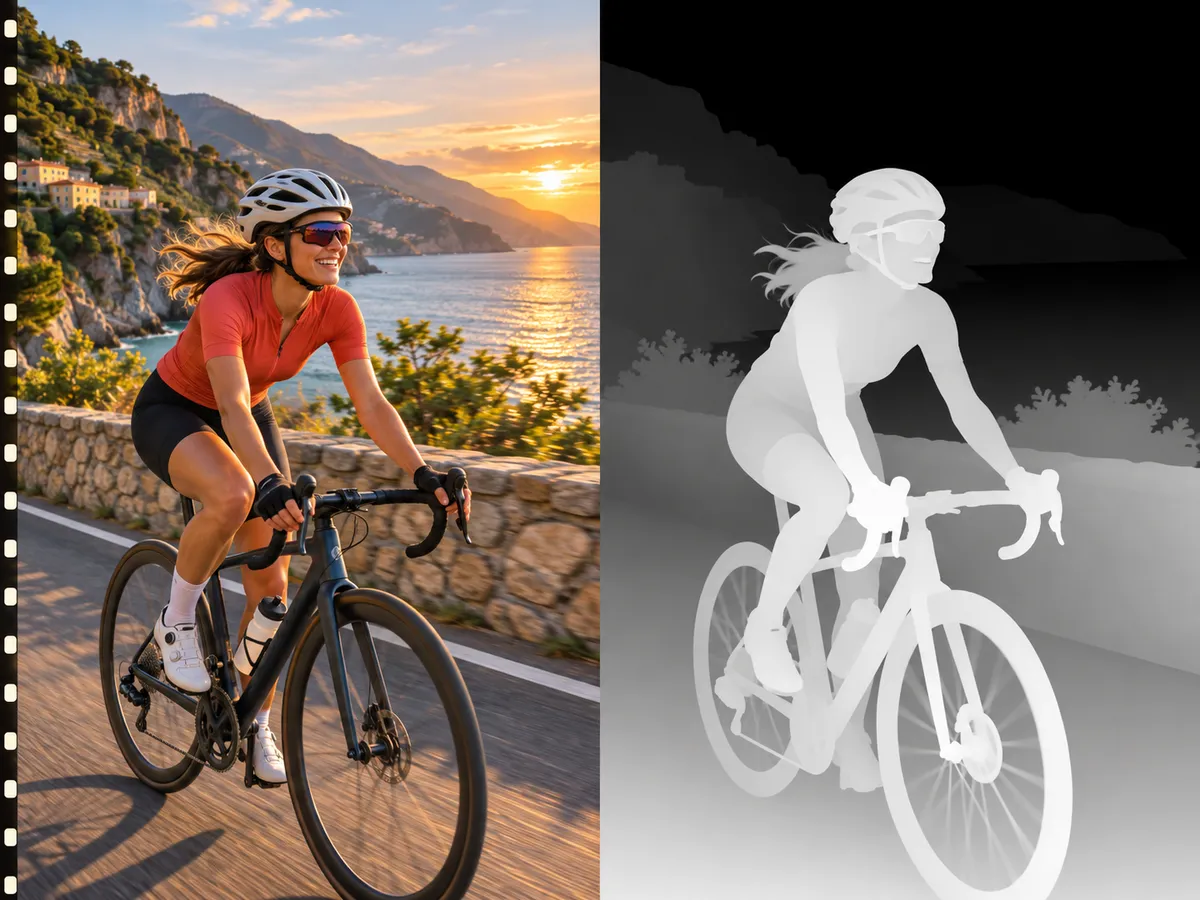
Image Depth Map
Get a detailed depth map from any photo in seconds. Use it for 3D photo effects, Blender reliefs, ControlNet, background blur and laser engraving.
What is an image depth map?
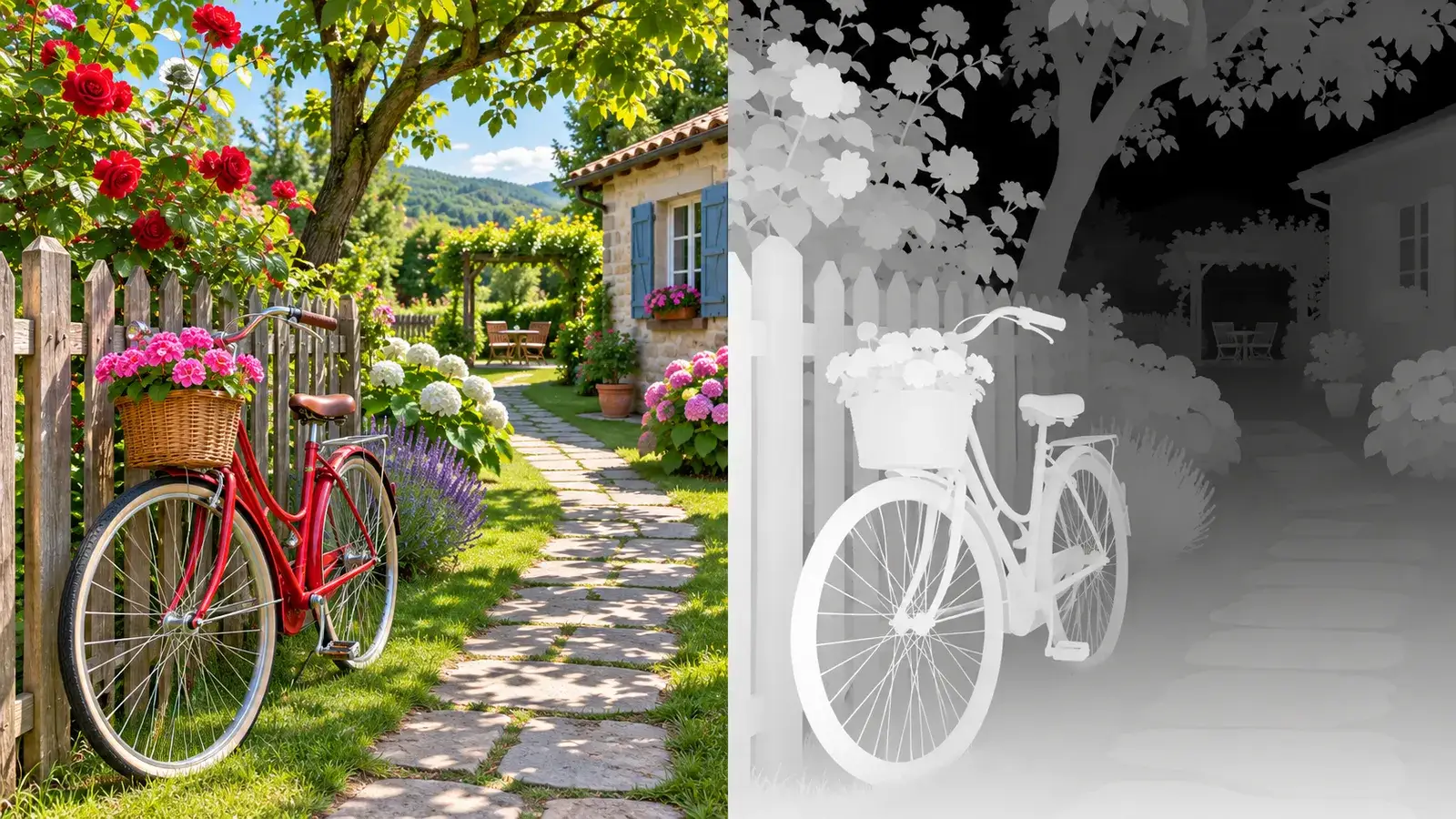
An image depth map is a grayscale picture with the same framing as your photo, where brightness means distance: white is close to the camera, black is far away. Pobzy uses Marigold, a depth model known for fine detail on edges, hair and small objects.
What you can do with it
- Make 3D photo and parallax animations for social posts.
- Use it as a displacement map in Blender to turn a photo into a 3D relief.
- Feed it to ControlNet depth in Stable Diffusion or ComfyUI to keep the composition while you restyle.
- Blur the background like a portrait-mode camera.
- Prepare photos for lithophanes, CNC reliefs and laser engraving.
How to make one
- 1
Upload a photo
JPG, PNG or WebP up to 10 MB.
- 2
Wait a few seconds
The model works out the distance of every pixel.
- 3
Compare and download
Drag the slider to check it against your photo, then save it as a PNG.
Tips for a clean result
- Photos with a clear subject and some background distance work best.
- Sharp, well-lit photos give sharper edges.
- For engraving and reliefs, crop to the subject before you upload.
Questions
How much does an image depth map cost?
6 credits per image. If the job fails, the credits go back to your balance.
Which image formats work?
JPG, PNG and WebP up to 10 MB.
What do I get?
A PNG depth map with the same framing as your photo. White is close, black is far.
How do I use it in Blender?
Subdivide a plane, add a Displace modifier, and load the depth map as its texture. Raise the strength until the relief looks right.
Can I use the result in commercial work?
Yes. The depth maps you make are yours to use, including in client and commercial projects. See the Terms of Service for details.