
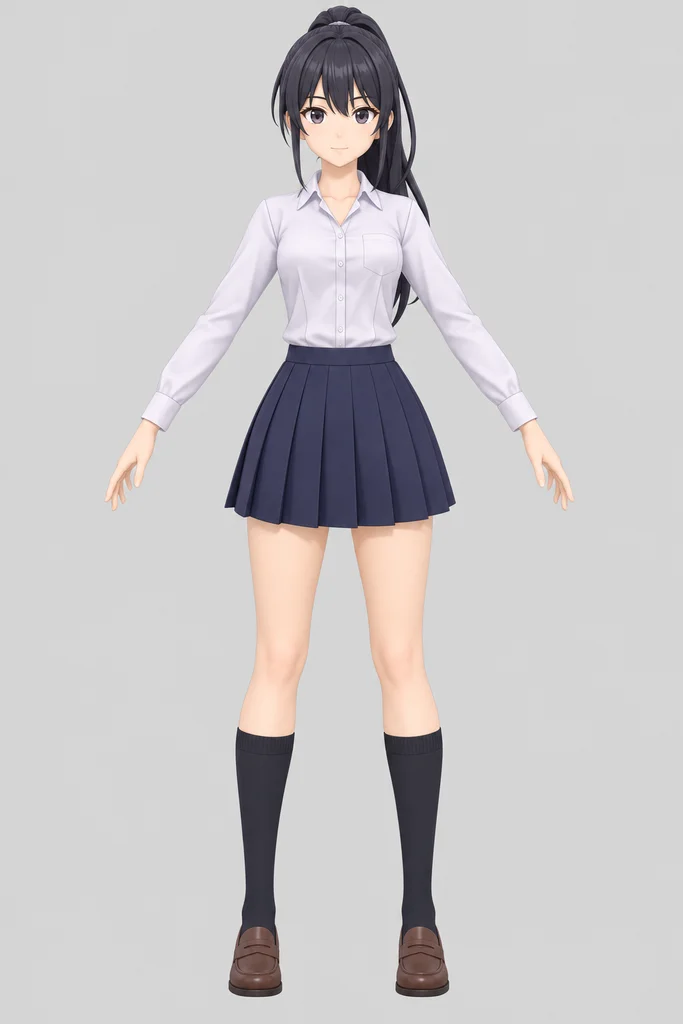
Anime girl
From a photo · Mixamo skeleton · 4 animations
Pobzy AI Auto Rig is an online auto-rigging tool: upload a humanoid GLB, or a photo it first turns into a 3D character, check for free whether it can be rigged, then get a skeleton, skin weights and a walking animation, and add any of 101 preset animations whenever you need them. GLB downloads for Unity, Unreal Engine, Blender and Godot.
Real results from this tool, not touched up: each character was rigged once, then given its animations. Pick an animation to play it, or open the character in 3D to turn it around and see its skeleton.
From a photo · Mixamo skeleton · 4 animations
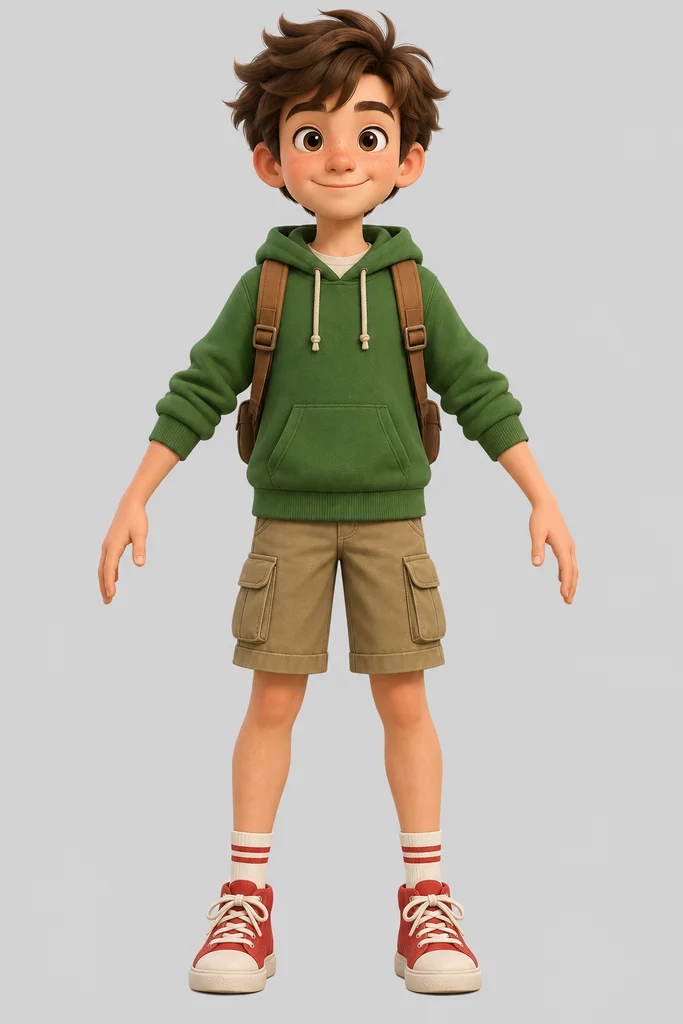
From a photo · Mixamo skeleton · 4 animations
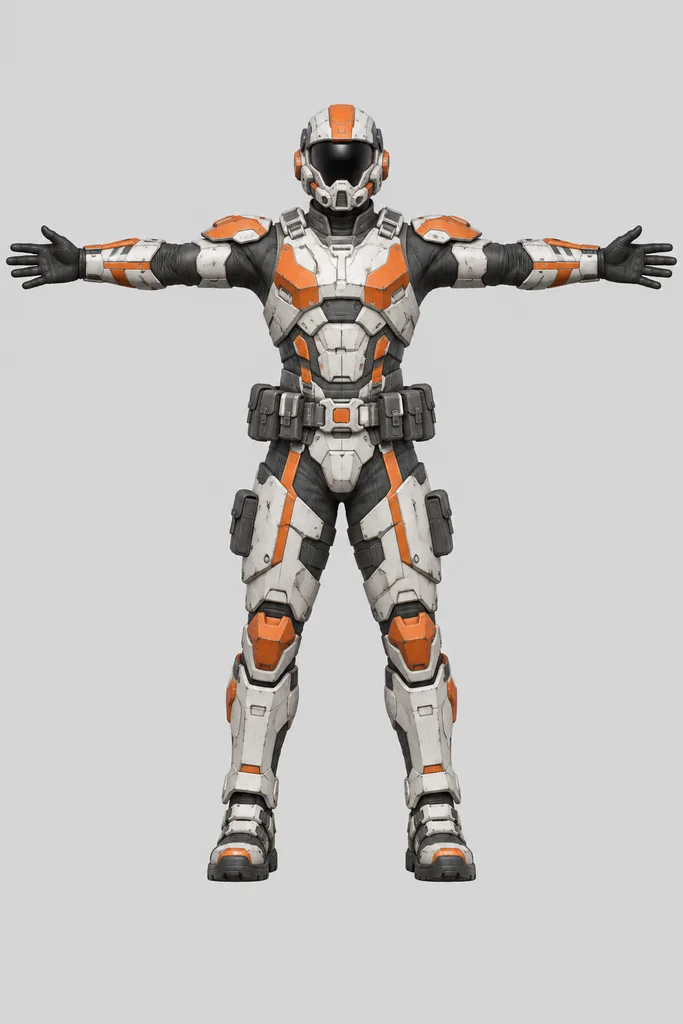
From a photo · Mixamo skeleton · 4 animations
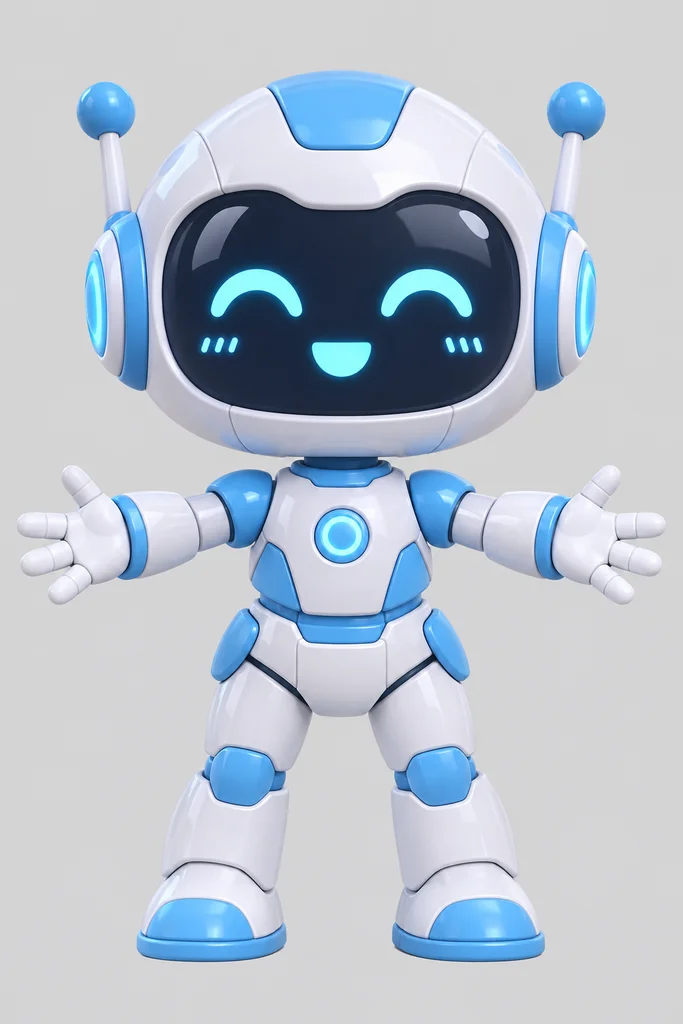
From a photo · Standard humanoid skeleton · 3 animations
From a GLB model · Mixamo skeleton · 5 animations
Upload a humanoid character as a .glb, or a photo we turn into one. A free check tells you whether it can be rigged; then you get it back with bones, skin weights and a walking animation, and you can add more animations to the same rig whenever you want. Each step is paid on its own, so you stop as soon as you have what you need.
Pick Mixamo unless your pipeline expects other bone names: it is the most widely supported humanoid skeleton. Here is what to do next in each app.
| Your app | What to do |
|---|---|
| Mixamo | Rig on Mixamo. Mixamo's animation library fits the skeleton as it is. |
| Standard humanoid | A general humanoid skeleton with plain bone names, if your pipeline doesn't expect Mixamo names. Every preset animation works on it. |
| Unity | Rig on Mixamo, export the GLB as FBX from Blender, and set Animation Type to Humanoid: the bones map automatically. |
| Unreal Engine 5 | Rig on Mixamo, import the GLB as a Skeletal Mesh, then retarget from the UE5 Mannequin with an IK Retargeter. |
| Blender | Either skeleton. Import the GLB: armature, skin weights and animations (as Actions) come in together. |
| Godot | Import the GLB; use a BoneMap with the Mixamo profile to retarget Godot humanoid animations. |
Rig on Mixamo and download the GLB. Unity reads it with the free glTFast package; for a Humanoid avatar, open the GLB in Blender and export it as FBX (File → Export → FBX) first. Then select the file in Unity, open Rig, set Animation Type to Humanoid and Avatar Definition to Create From This Model, and Apply: any Humanoid animation clip plays on it.
Rig on Mixamo and import the GLB: Unreal Engine 5 reads glTF files with their skeleton and animations as a Skeletal Mesh. Create an IK Rig for it, then an IK Retargeter from the Mannequin's IK Rig to yours: Unreal's own animations (and the Lyra and Game Animation Sample packs) then play on your character.
Import the GLB with File → Import → glTF 2.0. The armature, the skin weights and each animation (as an Action) come in together; switch actions in the Action Editor, or push them to the NLA to combine them.
AI 3D generators give you a static mesh. Export it as GLB, generate it in a T-pose or A-pose if the tool lets you, and keep it under the triangle limit. Upload it here, run the free check, and rig it only if the check says yes.
One character per file, standing upright, arms away from the body. Apply transforms and remove props, weapons and the floor. Or skip all of that: start from a photo and we make the 3D character for you.
An honest look at the tools people compare. Each one is good at something; the table shows where.
| Tool | Price | Account | Upload | Body types | Skeleton standards | Download |
|---|---|---|---|---|---|---|
| Pobzy | Free check, $0.58–$0.96 per rig | Required | GLB or a photo | Humanoid | Mixamo, standard humanoid | GLB |
| Mixamo | Free | Required | FBX, OBJ | Humanoid | Mixamo | FBX, DAE |
| Uthana | $0.15 per rig; $5 free credit for new accounts | Required | FBX, GLB | Biped | Mixamo, UE5, Roblox R15 | FBX, GLB |
| Meshy | 100 free credits a month, then paid plans (free results are CC BY 4.0) | Required | FBX, OBJ, GLB | Humanoid, quadruped | Mixamo-style names | FBX, GLB |
| Reallusion AccuRIG | Free | Not checked | Windows desktop app | Humanoid | FBX presets for Unity, Unreal, Blender, Maya, 3ds Max | FBX, USD |
Checked 2026-11-13 on each tool's own pages and documentation. Prices and features change; tell us if something here is out of date.
Auto rigging adds a skeleton (bones) to a 3D character and binds the mesh to it with skin weights, so the body bends when the bones move. Done by hand it takes hours of placing joints and painting weights; an AI auto rigger finds the joints and computes the weights for you in minutes.
The rig check is free. Rigging costs 80 credits (about $0.58–$0.96 depending on your plan or credit pack) with a walking animation included; each extra animation is 30 credits, and making the 3D character from a photo first is 90 credits. Each step is paid on its own and refunded if it fails.
Before you pay for a rig, we check whether the model can be rigged as a humanoid. It usually takes under a minute and costs nothing. If the answer is no, nothing is charged, and you can try another picture or model.
Yes. You upload a .glb, need no Adobe account, and get the result on Mixamo bone names, so Mixamo animations still fit. Like Mixamo it rigs humanoid characters; it also starts from a photo, and adds animations to the same rig later without uploading again.
Two: Mixamo bone names, which Unity Humanoid, Unreal Engine's IK Retargeter, Blender and Godot all map easily, and a standard humanoid skeleton. Every preset animation works on both.
Yes. Rig on the Mixamo skeleton and import the GLB as a Skeletal Mesh (Unreal Engine 5 reads glTF with its skeleton and animations). An IK Retargeter from the UE5 Mannequin then lets Unreal's own animations play on your character.
Yes. Rig on Mixamo and download the GLB; open it in Blender and export FBX, then in Unity's Rig tab set Animation Type to Humanoid. Unity maps the Mixamo bones automatically, and any Humanoid animation clip plays on the character. (The free glTFast package also imports the GLB directly.)
Yes, as long as it is one humanoid character exported as .glb under the triangle limit. Generate it in a T-pose or A-pose when the generator offers that; the free check tells you whether it can be rigged before you pay.
Yes. Open the photo tab and upload a picture of one character, full body. Step 1 makes a textured 3D character from it for 90 credits (about $0.65–$1.08); you see it in 3D, the free check runs, and you decide whether to rig it (80 credits).
Upload one self-contained .glb up to 90 MB and 1,500,000 triangles, or a JPG, PNG or WebP photo. You download GLB files: the rigged character, the walking clip and each batch of animations. Downloads come with any plan or credit pack; free credits let you preview the result in the browser.
Every rig comes with a walking animation. You can add any of the 101 presets (idles, runs, jumps, dances, fights, emotes, daily actions), up to 5 at a time, for 30 credits each.
Yes. Your rigged characters stay under Your characters on this page, and you can add more animations to one whenever you want, without uploading or rigging again. Each batch comes as its own GLB on the same skeleton.
Not yet: only characters with a human body plan (a head, two arms and two legs). Quadrupeds, snakes, birds and creatures with extra limbs aren't supported for now.
Yes, they rig fine. With a very large head or short arms, animations that bring the hands up to the head (cheering, waving close to the face) can pass through it, because the presets are made for regular proportions. Walking, running, jumping and most dances look right. Each batch of animations is charged on its own, so you can try one before adding more.
Free credits let you run every step and view the 3D character, the rig and the animations in your browser. Downloading the files needs a purchase: any plan or credit pack unlocks downloads for every character you have made, including earlier ones, and they stay unlocked.
Yes. Rigged characters and their animations can be used in commercial games, apps and videos without attribution. The rights to the model you uploaded stay with you, so its own licence still applies.
Rigs usually fail when the model isn't clearly humanoid or its arms touch the body. A failed step refunds its own credits automatically; the steps before it (for example the 3D character) stay in your account, so you retry just that step.
Last updated . See credit prices (a rig is 80 credits)